Updated November 2026: The screens have changed since this post, and generated scripts are now one way to build a code-based mock server (Team and Enterprise plans). See Start from your API document. If you do not need custom logic, a spec-based mock needs no generated code at all.
In our recent release, we introduced one-click generation of ready-to-use mock servers features. This will transform the way you create and manage your mock servers. With just one click, you can now quickly generate ready-to-use mock servers from your API specification stored in APIGit's repository or an APIGit mock server example.
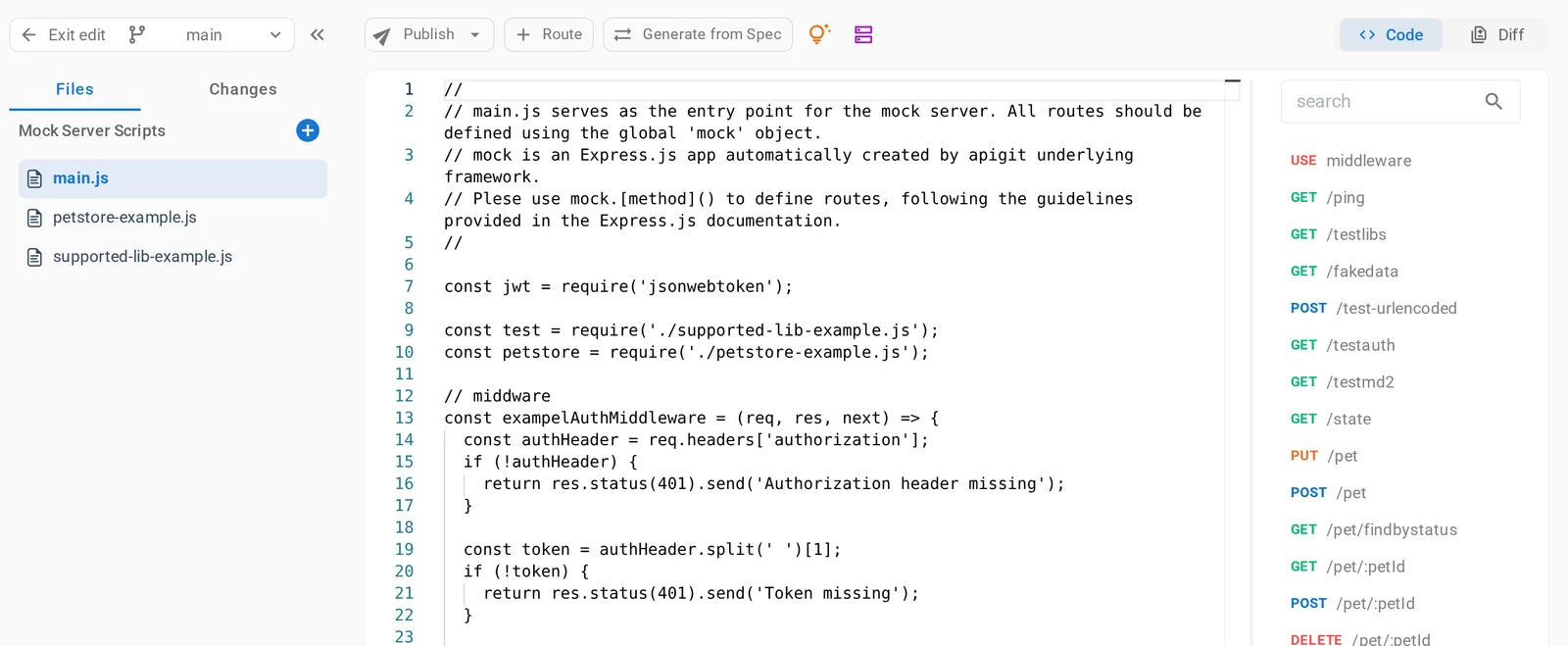
To take advantage of this new feature, simply navigate to the Mock Scripts tab, enter edit mode and click on the Generate from Spec button.
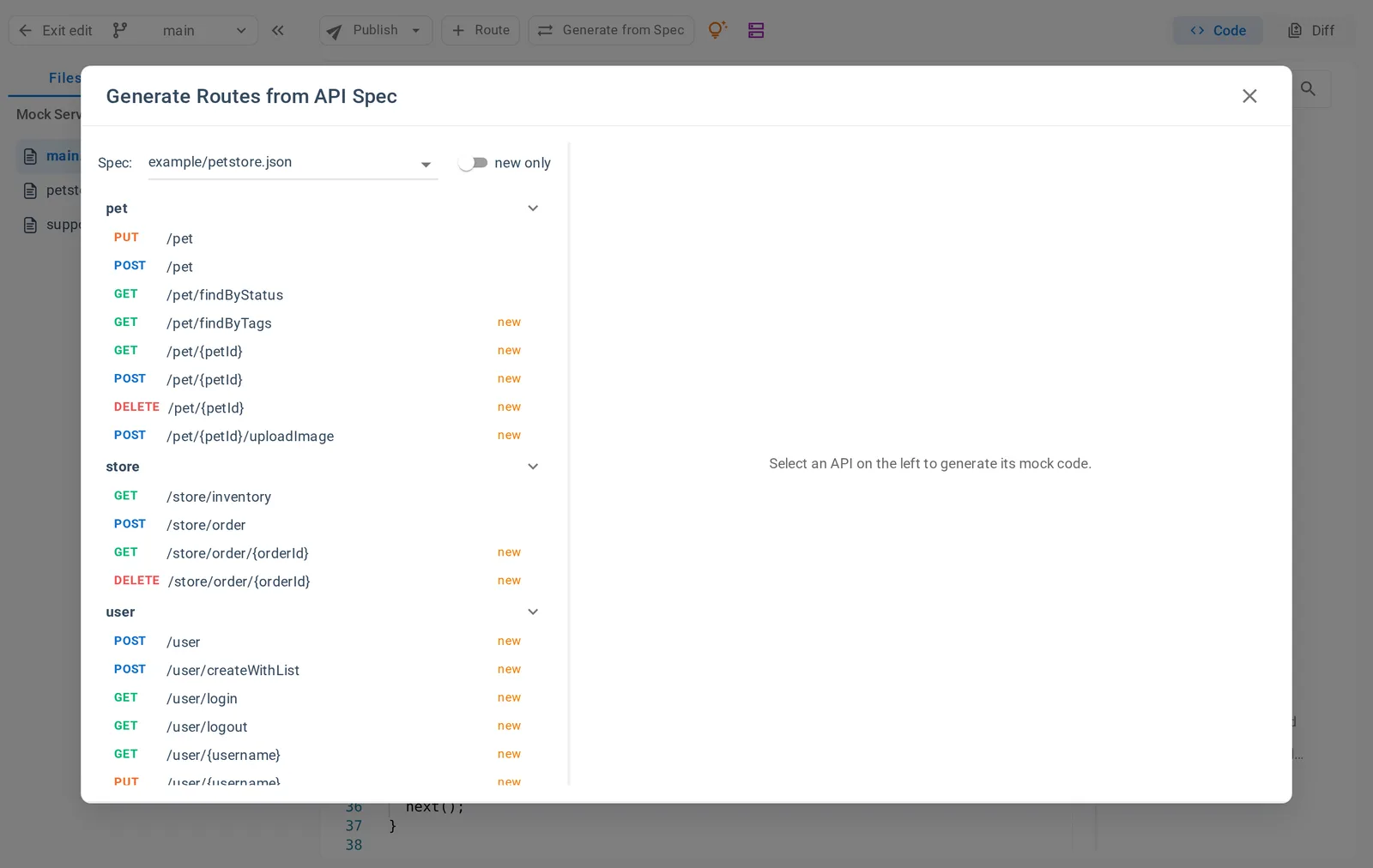
In the Generate Routes from API Spec window, select an API specification, then an operation. The route for that operation is generated from the specification, ready to add to your script. Turn on new only to list just the operations that have no route yet.
To write all the routes at once, use the generate icon above the script list. It backs up the current apigit-mock/main.js and writes a new one from the API specifications you select.
This makes it easy to detect changes in your API specification and bring your mock server up-to-date. The generated code is yours from then on: it does not change when the specification does.
Here are some of the key benefits of this new feature:
- One-click generation of ready-to-use mockservers from API specifications stored in APIGit's repository
- Easy identification of new operations with the
new onlyswitch - Your existing
main.jsis backed up before a full generation
We believe that this new feature will significantly enhance your experience with Mockserver and make the process of creating and managing mock servers faster and easier. If you have any questions or feedback, please don't hesitate to reach out to our support team. We're here to help!
Related Posts
Spec-Based Mock Servers: A Working Mock from Your OpenAPI Document
Publish a mock server from your OpenAPI documents without writing code. It validates requests, answers from your examples and schemas, and works on every plan.
Spec-Based or Code-Based: Which Mock Server Do You Need?
APIGit has two types of mock server. Here is how they differ, when each one fits, and how to run both from one repository.
Mock Servers That Tell You What Is Wrong
Spec-based mock servers validate each request against your OpenAPI document, return clear problem+json errors, and let clients pick a response with the Prefer header.
Ready to get started with APIGit?
Create a free workspace, add an OpenAPI file and publish your first API document and mock server in minutes.