An APIGit repository is a Git repository, and Git people have opinions about how they connect to one. You can now clone and push over SSH, give a server access to one repository with a deploy key, and use personal access tokens that are limited to repositories. SSH keys and deploy keys are available on every plan, Free included.
Clone over SSH
SSH access is served from git.apigit.com. Generate a key if you do not have one, then add the public key under Settings → SSH Keys:
ssh-keygen -t ed25519 -C "you@example.com"
cat ~/.ssh/id_ed25519.pub
Check that it works:
ssh -T git@git.apigit.com
The first connection asks you to confirm the server's host key. Compare it with the published fingerprints before you answer yes. A successful test greets you by name, and tells you there is no shell: the SSH endpoint only serves Git.
Then open Clone/Download on your repository. The dialog has an HTTPS / SSH switch.
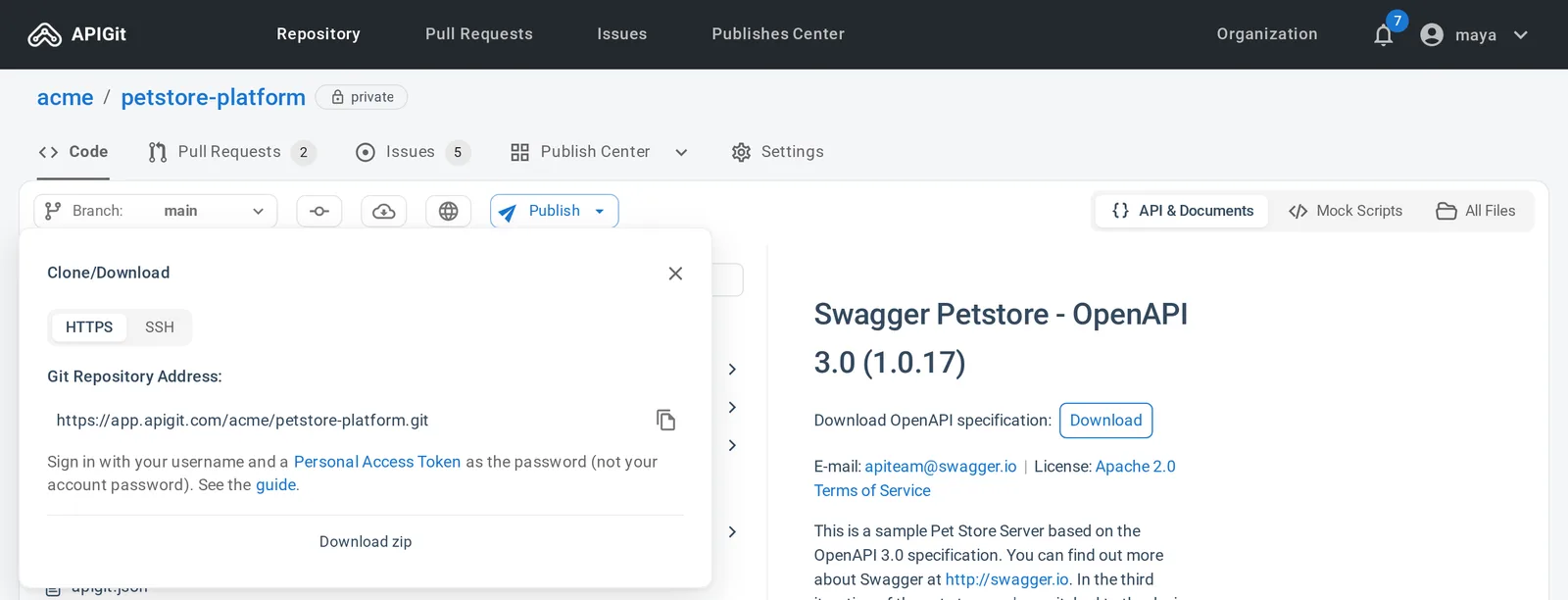
git clone git@git.apigit.com:acme/petstore-platform.git
If your network blocks port 22, SSH is also available on port 443. Add the block from the clone guide to ~/.ssh/config.
Deploy keys for servers
A personal key acts as you, which is the wrong fit for a CI job. A deploy key is an SSH key that gives one server access to one repository.
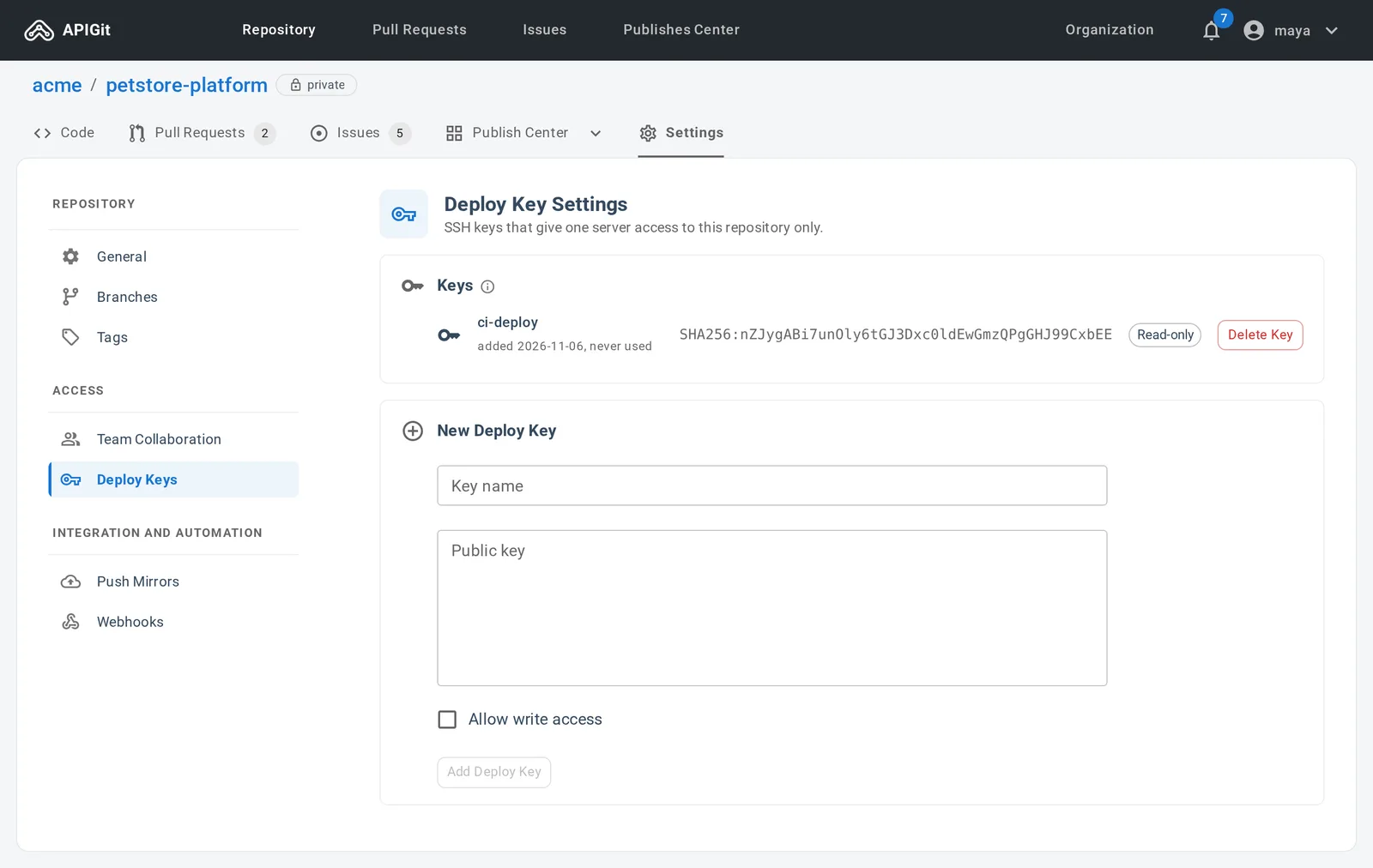
Repository admins manage them under Settings → Deploy Keys. Give the key a name and paste the public key. A deploy key is read-only unless you check Allow write access, so a job that only needs to fetch your specs cannot push to them.
Tokens limited to repositories
HTTPS stays the default, and it uses a personal access token in place of your password, since username and password authentication is not supported for Git. New tokens are limited to repository access: Git and the repository API. Tokens created earlier keep their original, broader scope and continue to work.
The clone dialog reminds you of this under the HTTPS address, and links to the guide.
Which one should I use?
- On your own computer: SSH, or HTTPS with a token if that is simpler on your network.
- In CI, for one repository: a deploy key, read-only if you can.
- For a script that calls the repository API: a personal access token.
Mirror a repository to another Git host? That is a separate feature, push mirrors, on the Enterprise plan.
Read the full guide in Clone a Repository.
Related Posts
Edit Many Files, Commit Once
Edits in APIGit now stay as drafts across files. Review them together, choose what goes in, and commit them as one commit, with conflicts resolved line by line.
Pull Request Upgrades in APIGit
Commit events in the timeline, a file tree for the diff, update branch, a merge style dropdown and checks that recover from temporary failures.
API Repository
APIs have become a vital part of modern software and business infrastructure, enabling organizations to expand the capabilities of software and improve integration with external services. The process of API development involves several stages, including planning, designing, developing, testing, deploying, and maintaining APIs. The API producer is responsible for creating and managing the API, while the API consumer utilizes the API to build applications or integrate with existing software. Apigit's API Platform is designed to help organizations navigate the API development and management process more effectively, with native Git support and streamlined collaboration. By leveraging Apigit's capabilities, businesses can improve operational efficiency, integration with external services, and stay competitive in the rapidly evolving digital landscape.
Ready to get started with APIGIT?
Join thousands of developers and teams who are already using APIGIT to streamline their API development workflow.